
Product Guide
Reader Mode for iOS: save articles and read offline
If you’re tired of cluttered pages, pop‑ups, and endless tabs, Reader Mode is the cleanest way to read. LinkBook makes it fast to save any article, extract the text, and come back later — even without internet.
In this guide
- How to save articles from any iOS app.
- Where Reader Mode lives in LinkBook.
- How offline reading works after one open.
- Tips to keep your read‑later list tidy.
Save articles from any app
LinkBook works anywhere iOS shows the Share Sheet — Safari, social apps, newsletters, and more. Tap Share → LinkBook, add a title or folder if you want, and you’re done. Your article appears in your library immediately.
Open Reader Mode from the info view
Tap any saved item to open the info view. This screen is your control center: it shows key details and provides the Open in Reader action for distraction‑free reading.
Offline reading happens automatically in Premium
On Premium, LinkBook fetches reader text in the background after you save a link (when it’s an eligible article). That means your offline copy is prepared automatically — perfect for flights, commutes, and low‑signal moments.
Keep your read‑later list organized
Reader Mode works best when your library stays tidy. Use folders for broad topics, favorites for what you want to finish soon, and search to jump back to key articles instantly.
- Create one “Read Later” folder and keep it lean.
- Favorite the 3–5 items you’ll read this week.
- Search by title or site when you need to revisit.
Download LinkBook (scan to install)
Want to try Reader Mode right now? Scan the QR code to install LinkBook from the App Store.
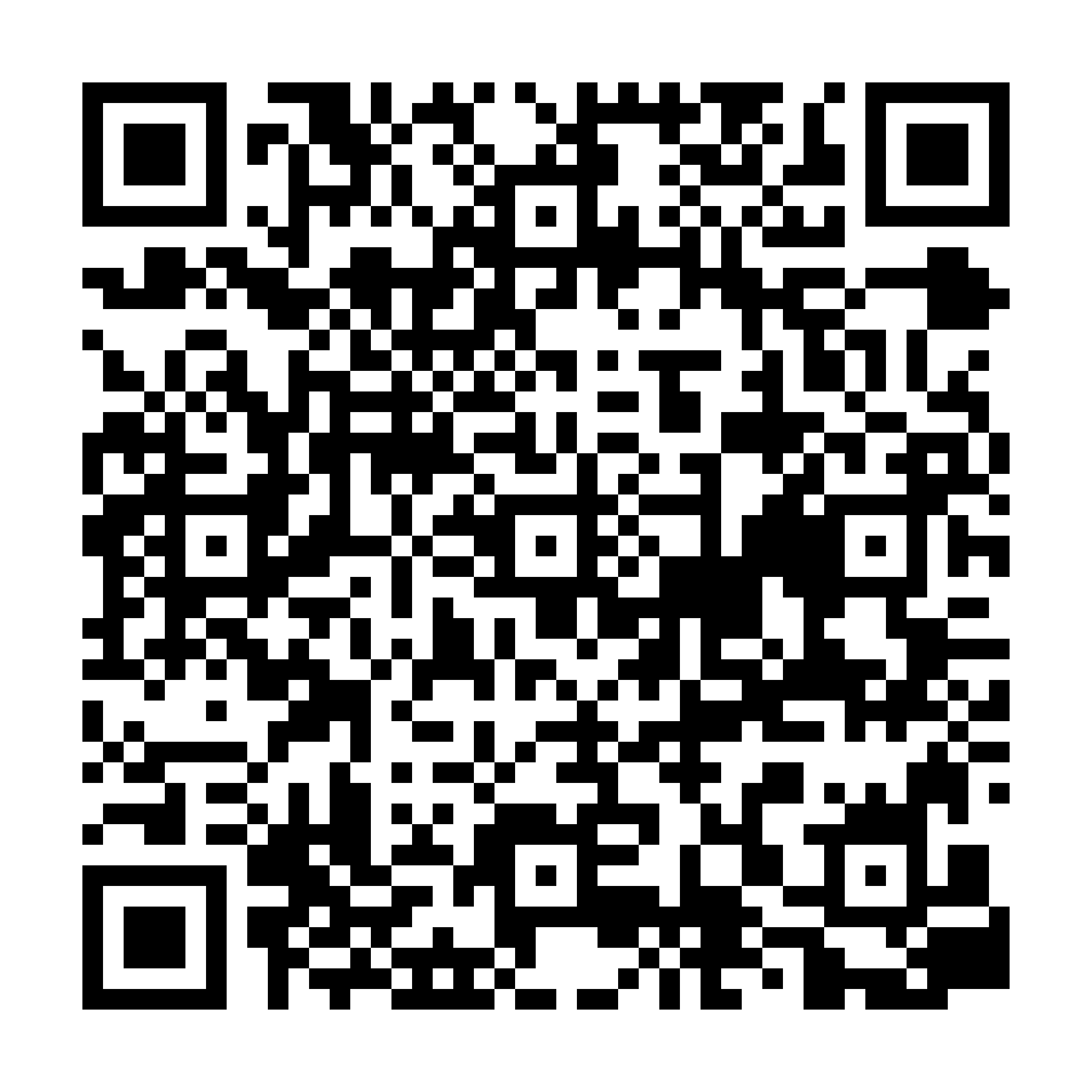
Scan to download
App StoreKey takeaway
LinkBook makes “read later” actually work: save fast, read cleanly, and access your articles offline whenever you need them.
FAQ
Does LinkBook Reader Mode work offline?
Yes. Open Reader Mode once and the text is cached for offline reading.
How do I save an article to read later on iPhone?
Use the Share Sheet and choose LinkBook. It saves instantly to your library.
Can I organize read‑later links in LinkBook?
Yes. Use folders, favorites, and search to keep your list tidy and easy to revisit.